YouTube Music
Description
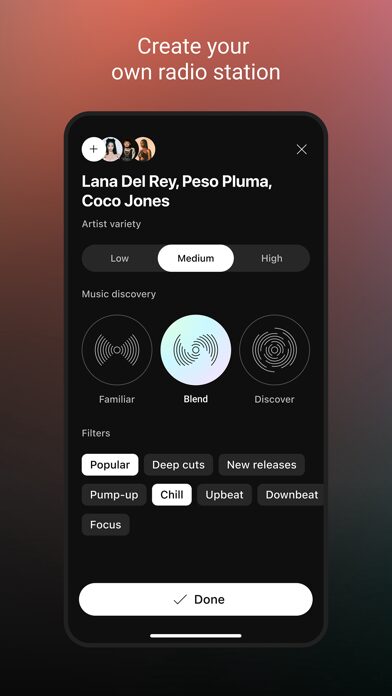
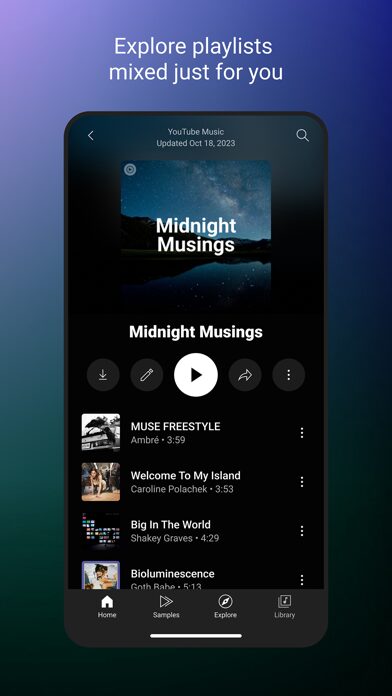
YouTube Music delivers personalized streaming with access to official tracks, live performances, covers, and remixes you won’t find on other platforms. The app creates activity-based playlists tailored to your listening habits and lets you upload your own music library for seamless integration with YouTube’s catalog.
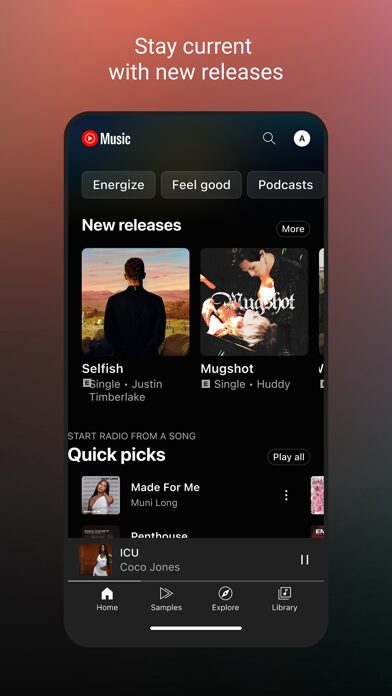
When you launch the app, you immediately see curated mixes based on your recent activity and mood. The interface organizes your entire music collection—liked songs, created playlists, and subscribed artists—into a unified library that syncs across all your devices. In practice, users find the personalized recommendations become more accurate as the app learns your preferences across different times of day and activities.
YouTube Music Premium Features
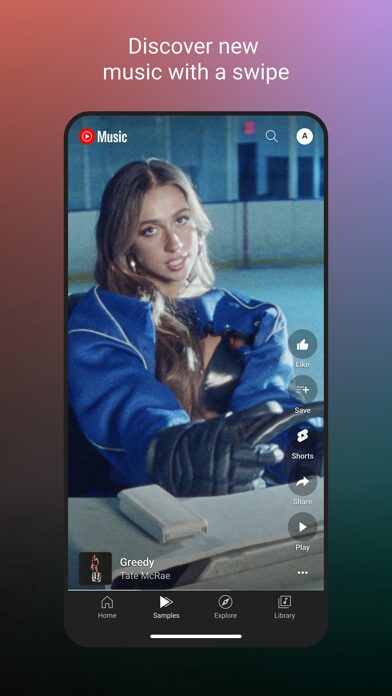
The standout feature is the dual-format playback that switches between audio-only streaming and full music videos without interrupting your session. You can watch a live performance, then continue listening to the audio version when you lock your screen or switch apps.
- Thousands of playlists organized by genre including Hip Hop, Pop, Country, Dance & Electronic, Blues, Indie & Alternative, Jazz, Kpop, Latin, and Rock
- Mood-based discovery for Chill, Feel Good, Energy Booster, Sleep, Focus, Romance, Workout, Commute, and Party listening
- Real-time lyrics display for singing along to your favorite tracks
- Collaborative playlist creation with other users
- Global top charts showing trending music from different countries
- Just like Spotify iPA, It offers Smart suggestions when building playlists based on your initial song selections
Music Premium Benefits
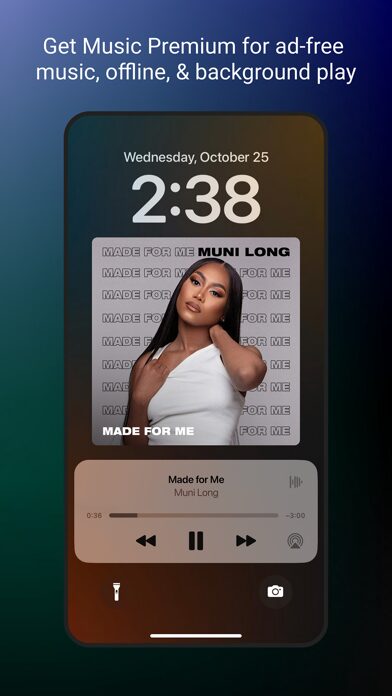
Upgrading to Music Premium removes all advertisements and enables background playback when you navigate away from the app. Premium subscribers can download songs for offline listening and experience uninterrupted streaming during commutes or flights. The subscription automatically renews through your iTunes Account unless you disable auto-renewal at least 24 hours before the current period ends.
Cross-Platform Compatibility
YouTube Music works across your phone, desktop browser, smart speakers, smart TVs, car audio systems, and smartwatches. The app integrates directly with Google Maps and Waze for navigation-friendly music control, and responds to Google Assistant voice commands for hands-free operation. Your playback history and playlists sync automatically across every device where you sign in.
Use Cases
Fitness enthusiasts use the Workout mood playlists during gym sessions, while the Energy Booster category provides high-tempo tracks for running or cycling. Commuters benefit from the car integration and offline downloads for subway rides with spotty connectivity. Music collectors appreciate the upload feature that combines their personal MP3 library with YouTube’s streaming catalog in one searchable interface.
Content creators discover rare remixes and live performances for video projects, while casual listeners rely on the automated mixes that adapt throughout the day. The collaborative playlist feature works well for party planning or shared road trip soundtracks where multiple people contribute songs.
Can I upload my own music files to YouTube Music?
Yes, you can upload up to 100,000 songs from your personal collection directly through the desktop version or mobile app. These uploaded tracks appear alongside YouTube Music’s streaming catalog in your library, and you can add them to any playlist or download them for offline listening. The upload feature preserves your original audio quality and supports common formats including MP3, FLAC, and AAC.
Does YouTube Music work offline without a Premium subscription?
Offline playback requires a Music Premium subscription. Free users must maintain an active internet connection to stream music. Premium subscribers can download individual songs, albums, or entire playlists by tapping the download icon, and these files remain accessible for 30 days without reconnecting to the internet. Smart Downloads automatically refreshes your offline library with new recommendations when you connect to Wi-Fi.
How does YouTube Music differ from regular YouTube for listening to music?
YouTube Music provides an audio-first interface optimized for music discovery and playback, while the main YouTube app prioritizes video content. The Music app continues playing when you lock your screen with a Premium subscription, whereas standard YouTube stops playback. You get personalized radio stations, mood-based playlists, and a dedicated library for organizing music content separate from other YouTube videos. Both apps share the same underlying catalog, but YouTube Music filters out non-music content and emphasizes audio streaming efficiency.
Version 9.12