YouTube
Description
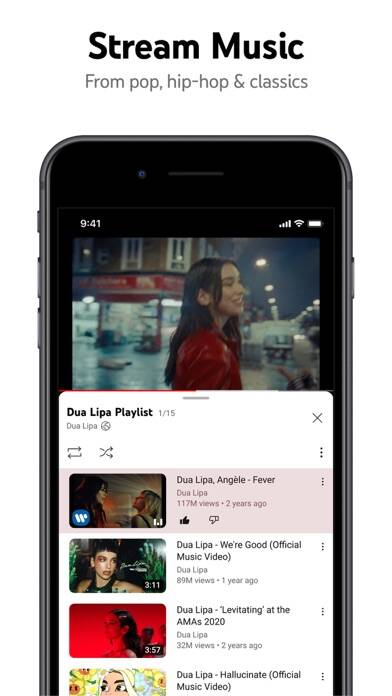
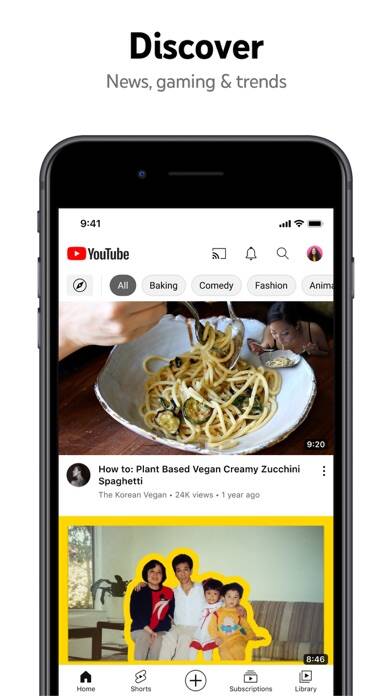
YouTube delivers unlimited video streaming across every category imaginable, from music and gaming to education and breaking news. When you launch the app, you’ll find personalized recommendations tailored to your viewing habits, plus tools to create and upload your own content directly from your iPhone or iPad. The platform combines community interaction features with premium subscription options for ad-free viewing.
Key Features and What They Do in Practice
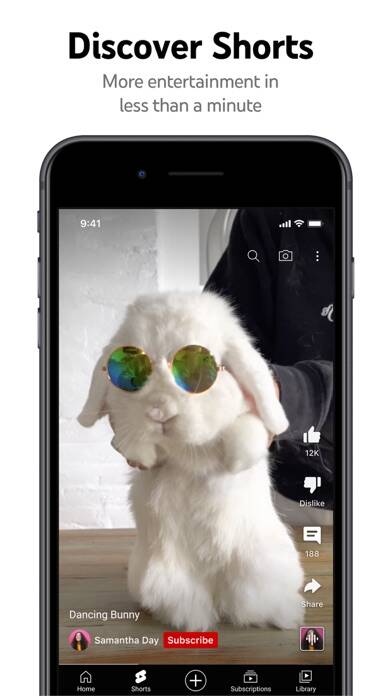
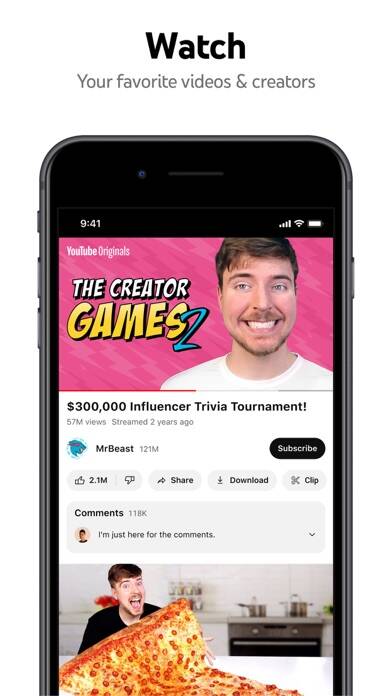
The Home feed learns from your viewing patterns and surfaces videos you’re likely to enjoy. In practice, users find this recommendation engine becomes more accurate over time as you watch, like, and subscribe to channels. Your Subscriptions tab organizes new uploads from channels you follow, while the Library section stores your watch history, liked videos, and saved playlists for quick access.
The Explore tab reveals trending content across specific categories including music, gaming, beauty, news, and educational content. You can discover rising creators and viral videos gaining momentum in your region. This feature works particularly well when you want to break out of your usual viewing patterns and find fresh content.
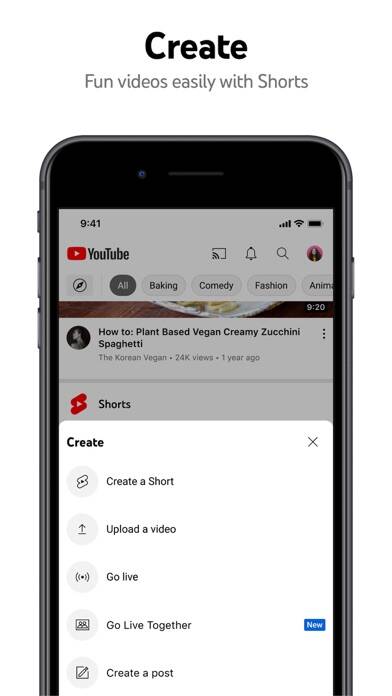
Content creation tools let you record, edit, and publish videos without leaving the app. You can start live streams directly from your mobile device and interact with viewers through real-time chat. Creators manage their channels, respond to comments, and track performance metrics all within the iOS interface.
Community and Interaction Capabilities
When you follow creators, you’ll see their Posts, Stories, Premieres, and Live streams in your feed. The comment system supports threaded conversations where you can reply to specific users, like comments, and receive notifications when creators or other viewers respond to you. Channel memberships allow you to support favorite creators with monthly payments in exchange for exclusive badges, emojis, and members-only content.
Live chat during premieres and streams creates real-time interaction between creators and their audiences. Your membership badges appear next to your username in comments and live chats, distinguishing you as a supporter. Creators often acknowledge members during streams and offer early access to videos or behind-the-scenes content.
YouTube Premium Benefits
Upgrading to YouTube Premium removes all advertisements from videos and enables background playback when you switch to other apps or lock your screen. The offline download feature saves videos to your device for viewing without an internet connection—essential during flights or in areas with poor cellular coverage. Your subscription includes full access to YouTube Music Premium with ad-free music streaming and offline listening.
Family-Friendly Viewing Options
Parents can choose between the dedicated YouTube Kids app or set up supervised experiences within the main YouTube app. The supervised mode lets you control what content your child can access while gradually introducing them to the broader YouTube platform. You’ll find these parental controls and family settings at youtube.com/myfamily, where you can customize restrictions based on your child’s age and maturity level.
Compatibility and Technical Requirements
- Works on all iPhone and iPad models running current and recent iOS versions
- Requires internet connection for streaming; offline viewing available with Premium subscription
- Supports AirPlay for casting to Apple TV and compatible displays
- Integrates with iOS picture-in-picture mode for multitasking
- Syncs watch history, subscriptions, and playlists across all devices when signed into your Google account
Can I watch YouTube videos with the screen off on my iPhone?
Background playback with the screen locked requires a YouTube Premium subscription. Without Premium, the video stops playing when you lock your screen or switch to another app. Premium subscribers can listen to videos as audio while using other apps or with the display turned off, which proves useful for music, podcasts, and educational content where you don’t need to watch the screen continuously.
How do I download YouTube videos for offline viewing?
Tap the download button below any video if you have an active YouTube Premium subscription. The video saves to your device and remains accessible in your Library under Downloads for up to 30 days, after which you’ll need to reconnect to the internet to refresh the download license. Downloaded videos don’t count against your data plan when you watch them offline, making this feature valuable for travelers and commuters.
What’s the difference between subscribing through Apple versus YouTube directly?
When you subscribe to YouTube Premium through the iOS app, Apple processes the payment through your App Store account and takes a percentage of the subscription fee. Subscribing directly through youtube.com in a web browser typically costs less because Google doesn’t pay Apple’s commission. Both methods provide identical Premium features, but App Store subscriptions renew automatically through your Apple ID unless you disable auto-renewal in your Account Settings at least 24 hours before the billing cycle ends.
Version 21.12.4