
Snapchat

Description
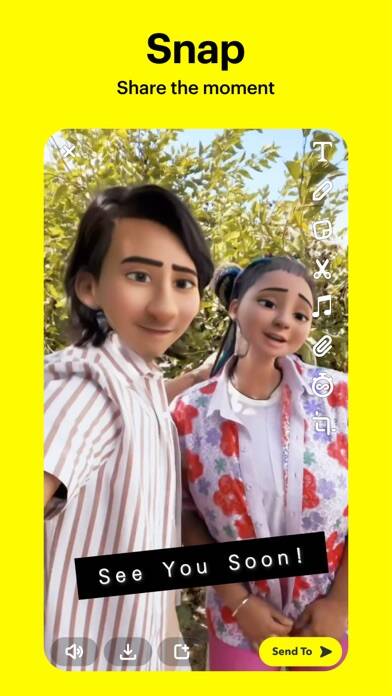
Snapchat delivers instant visual communication through its camera-first interface, letting you capture moments with augmented reality Lenses, share ephemeral content with friends, and explore community-generated Stories. When you launch the app, it opens directly to the camera for immediate photo and video capture.
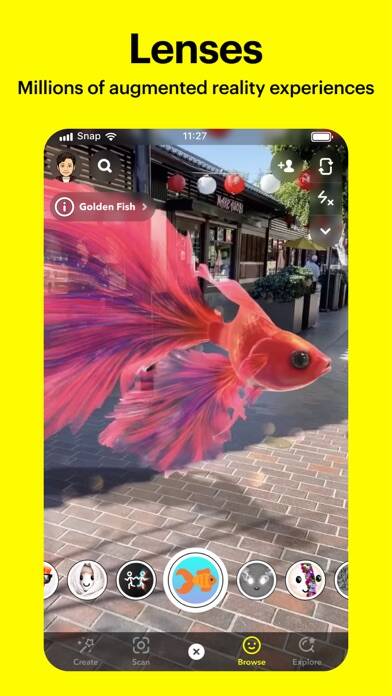
The platform centers on real-time sharing rather than permanent posts. Press and hold to record video, or tap once for photos—both enhanced with daily-updated Lenses created by Snapchat’s developer community. In practice, users find the AR filters transform ordinary selfies into interactive experiences, from face-swapping effects to environmental overlays.
Snapchat Features
The standout feature is the Camera interface that prioritizes content creation over consumption. You’ll access augmented reality tools the moment you open the app, eliminating navigation steps found in competing platforms.
- Live Video Chat: Connect with up to 16 friends simultaneously while applying real-time Lenses during conversations
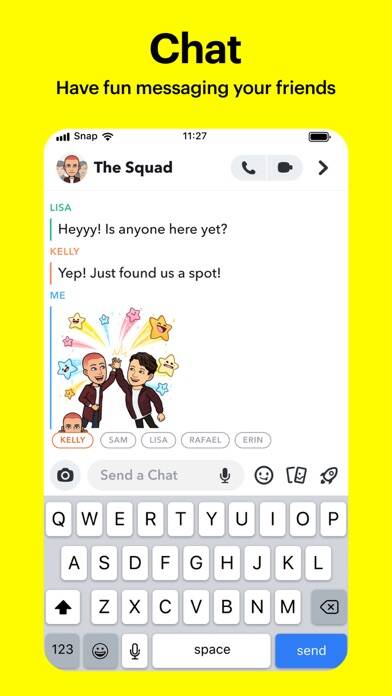
- Friendmojis: Generate personalized Bitmoji avatars that reflect your friendship dynamics with specific contacts
- Group Stories: Collaborate on shared narratives where multiple contributors add Snaps to collective timelines
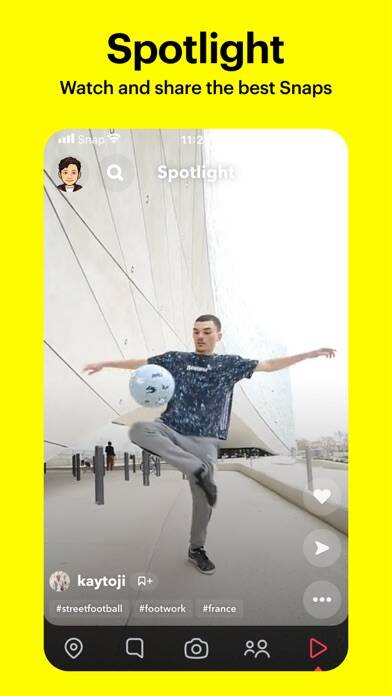
- Spotlight: Submit your own content or browse curated Snaps from the global community
- Snap Map: View friends’ locations in real-time or enable Ghost Mode for privacy
- Memories: Store unlimited Snaps in cloud backup, edit archived content, and reshare past moments
Snapchat uses
Snapchat serves users who prioritize spontaneous communication over curated feeds. The ephemeral messaging appeals to those sharing casual updates without building permanent digital archives. Friendship Profiles reveal relationship metrics like connection duration and astrological compatibility, creating personalized bonding experiences.
Content creators use Spotlight to reach audiences beyond their friend networks. The feature showcases high-performing Snaps based on engagement, functioning as a discovery engine for viral short-form video. You can submit your own creations or consume content passively.
The Snap Map transforms location sharing into social exploration. When friends enable location services, you see their real-time positions and nearby public Stories. This works for coordinating meetups or discovering events in unfamiliar cities.
Privacy Considerations
Messages disappear after viewing by default, but recipients can capture content through screenshots or external cameras. The app notifies you when someone screenshots your Snap, though this doesn’t prevent content preservation. Exercise discretion with sensitive material, as ephemeral delivery doesn’t guarantee permanent deletion.
Location sharing operates on permission-based controls. Ghost Mode hides your position from all contacts, while selective sharing limits visibility to chosen friends. Review these settings regularly, as location data updates continuously when enabled.
How do Snapchat Lenses differ from Filters?
Lenses use augmented reality and facial recognition to add interactive 3D effects that respond to your movements, expressions, and environment. Filters are static overlays—like color corrections or text frames—that you swipe onto photos after capture. Lenses activate before you take the Snap and track your face in real-time, while Filters apply as post-capture edits.
Can I recover deleted Snaps from Memories?
Snaps saved to Memories remain in cloud storage until you manually delete them. Once removed from Memories, recovery isn’t possible through the app interface. Snapchat’s servers permanently erase deleted Memories content, though you may retrieve photos saved to your device’s Camera Roll before deletion. The platform doesn’t offer a recycle bin or restoration period for removed Memories.
What happens when I enable Ghost Mode on Snap Map?
Ghost Mode immediately stops broadcasting your location to all contacts. Your Bitmoji avatar disappears from friends’ maps, and you can still view others’ locations if they’ve shared with you. The setting persists until you manually disable it—there’s no automatic timeout. You’ll continue seeing public Stories on the map regardless of Ghost Mode status, as this only affects your personal location visibility.
Version 13.85.0.53